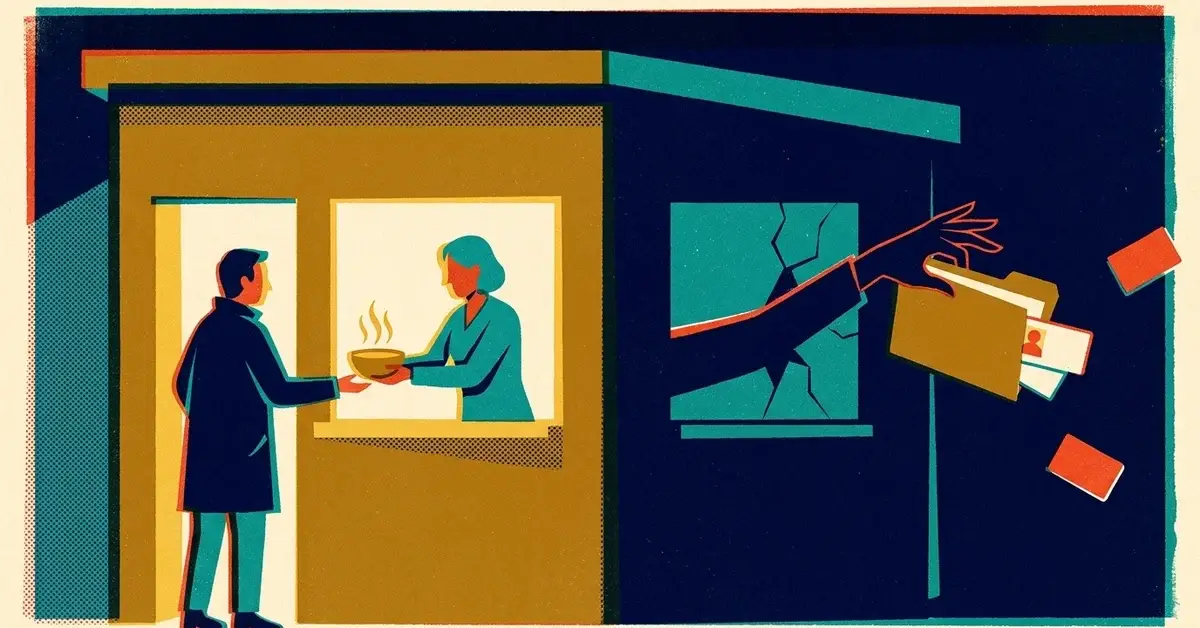
A ransomware gang said it had broken into the Salvation Army. A few months later, the Salvation Army mailed letters telling people their Social Security numbers may have been taken.
If you got one of those letters, the first section below is for you. If you run a nonprofit, church, school or small office, the rest is about why a charity that size got hit and what you can do this week so it isn't you next.
If you got a breach letter: the quick answer
- Enroll in the free credit monitoring the letter offers. It uses an enrollment code printed in the letter, so keep the letter.
- Freeze your credit at all three bureaus, Equifax, Experian and TransUnion. The FTC says a freeze is free, doesn't hurt your score and stays on until you lift it.
- Get an IRS Identity Protection PIN. It stops someone filing a tax return in your name with your Social Security number. Anyone with an SSN who can verify their identity can get one from the IRS.
- Watch your bank and card statements. A freeze blocks new accounts, not charges on the ones you already have.
- Ignore anyone who calls or emails "about the breach" and asks you to confirm details. Use the phone number printed in the letter, nothing else.
What happened
Here's the deal, in date order.
- May 24, 2025: The Salvation Army says it detected a security incident on or about this date, in which an unauthorized third party got into its network. That's from its notice to consumers, filed with the Vermont Attorney General.
- Late May 2025: Security news sites reported that the Chaos ransomware group had listed the Salvation Army on its dark web leak site, saying stolen data "will be released soon" (Cybernews, Cyber Daily, SC Media). At the time, the group hadn't said what it took, and Cyber Daily noted the "leaked data" link on the listing didn't actually show any data.
- August 8, 2025: The Salvation Army's investigation concluded that the intruder had taken some people's personal information.
- August 27, 2025: Letters started going out. The notice says the information involved may include names, Social Security numbers and driver's license numbers, that it found no evidence the information had been misused, and it offers 12 months of free credit monitoring through Cyberscout, a TransUnion company.
What we don't know: the notice doesn't name Chaos or call it ransomware, and it doesn't say how many people were affected or how the attacker got in. So the link between the gang's claim and the confirmed breach is the timing, not a statement from the Salvation Army. We're not going to guess past that.
Who Chaos is
Not who the name suggests, which is the point.
There was an older malware family called Chaos, built with a do-it-yourself ransomware kit. The group that posted the Salvation Army is a different, newer outfit. Cisco's threat research team, Talos, says this Chaos group showed up in early 2025, isn't connected to that older kit, and reuses the name to create confusion. Talos thinks, with moderate confidence, that it was formed by former members of the BlackSuit (Royal) ransomware gang.
The part that matters for you is how Talos says they get in:
- Flood someone's inbox with spam.
- Phone them (sometimes over Microsoft Teams) pretending to be the IT or security team, offering to "fix" the spam.
- Talk them into opening Microsoft Quick Assist, the remote help tool built into Windows, and letting the "technician" connect.
Then they copy data out and encrypt systems, and threaten to publish the data if you don't pay. That's "double extortion": even with good backups, they still have your files. Some gangs now go further and threaten employees and their families.
No exploit. No zero-day. A phone call and a helpful-sounding person.
Why it matters if you're small
The Salvation Army is huge. You're not. That doesn't make you less interesting to these groups; it makes you easier.
The way in was a person, not a fancy hack. Every office has people who answer the phone and want the spam to stop.
And the cost of a breach isn't only the ransom. It's the letters, the credit monitoring, the lawyer, the week nobody can work and the donors or clients who wonder if they should trust you with their details again.
What to do this week
A short list. Most of it is free.
1. Make one rule about "IT" calls
Write it down and tell everyone: we never let anyone connect to a computer because they called us. If someone says they're from IT, hang up and call your IT person or provider on the number you already have.
If nobody in your office uses Quick Assist, you can remove it on Windows 11: Settings > Apps > Installed apps, find Quick Assist, then ... > Uninstall. Microsoft's own Quick Assist guidance covers how IT teams can block it across a business.
2. Turn on multifactor authentication
Email first, then banking, payroll and your donor or client database. CISA's #StopRansomware Guide recommends MFA on all services where you can, especially email and remote access.
3. Check your backups can survive an attack
CISA's guide recommends keeping offline, encrypted backups of critical data and testing that you can actually restore from them. A cloud sync folder isn't a backup on its own: if your files get encrypted, the encrypted copies can sync over the good ones. Our 10-minute backup check walks through it.
4. Keep less sensitive data
You can't lose what you don't hold. If you collected Social Security or driver's license numbers for one-time paperwork (volunteer background checks, payroll setup), ask whether you still need them, and lock down who can open the folder they live in.
5. Update what's facing the internet
Windows, Microsoft 365 or Google Workspace, your firewall and any remote-access tools. Turn on automatic updates where you can.
6. Write a one-page "what if" plan
Who to call, who can approve shutting things down, where your backups are and how to reach staff if email is down. Print it. If it only lives on the server, it's encrypted along with everything else.
If it's already happened
Disconnect the affected computer from the network (pull the cable or turn off Wi-Fi), but don't wipe it or turn it off; the evidence matters. Then call your IT provider and your cyber insurer before you talk to the attackers. CISA and the FBI ask victims to report ransomware at ic3.gov whether or not you pay.
When to get help
- Someone on your team let a "tech support" caller connect, even briefly.
- You can't say for sure that your backups are offline and restorable.
- You hold Social Security numbers, health or financial data and nobody is watching for a break-in after hours.
If that's you, we can help.
Related reading
- “We're From IT”: The New Scam Hitting Law Firms
- Can a Stranger Reach Your Office Computer? How to Lock Down Remote Access
- How to Protect Yourself from the Impact of a Data Breach
Originally published June 2025. Updated October 2026.



No comments yet