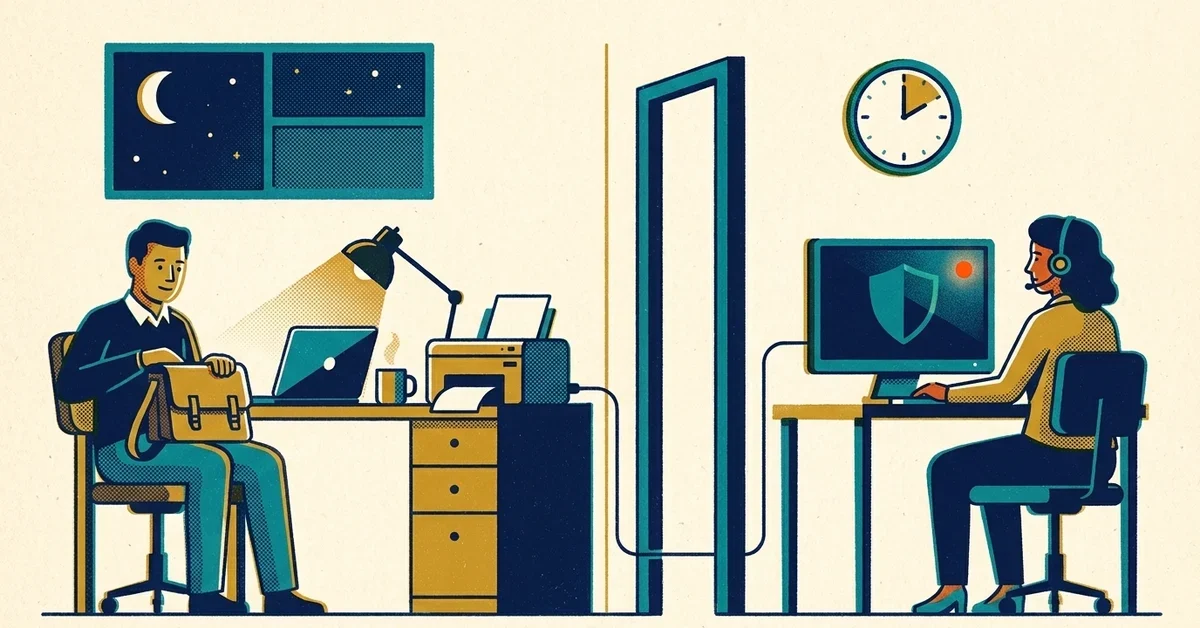
Someone has said the word "Huntress" to you. Maybe it was your cyber insurance renewal asking about EDR, a big customer's security questionnaire, or your own IT person saying they'd love to have it but can't sit up watching alerts at 2am. Then you look into it, and every route seems to end with "sign up with a managed IT provider."
That sounds a lot like replacing the IT help you already have and like. You don't have to. Whether you can buy Huntress yourself mostly comes down to how many seats you have, and either way your IT person or provider stays exactly where they are.
The short answer
- Yes, you can keep your IT provider. Getting Huntress doesn't mean switching who handles your everyday IT.
- Under 50 seats per product, Huntress requires going through a partner. In a co-managed setup, the partner runs Huntress and takes the call when something happens. Your IT person keeps everything else.
- At 50 seats or more, you can buy straight from Huntress (start with the free trial) or through an authorized reseller. Either way, your own team deploys it and acts on what Huntress's security team sends.
- Before you sign with anyone, get in writing who answers at 2am and what they're allowed to do without waking you.
How Huntress is sold (as of October 2026)
Huntress is built to be sold through partners. Its pricing page says most teams buy through a partner, "which is recommended," and that "it is possible to purchase Huntress directly."
Buying direct has a floor. In Huntress's words: "There is a Huntress-required 50 minimum seat count per product" (Huntress pricing review). What counts as a seat depends on the product:
- Managed EDR (endpoint detection and response, the agent on each computer): endpoints.
- ITDR (identity threat detection and response, which watches Microsoft 365 sign-ins and mailboxes): licensed identities.
- SIEM (log collection and search): data sources.
- Security awareness training: learners.
"Per product" matters. A company with 60 staff but only 35 computers is over 50 for training and under 50 for EDR. Count each product separately before you decide which route you're on.
Under 50, Huntress requires going through a partner like us. That's who the co-managed route below is for.
Anyone can try it first with the Huntress EDR free trial. Huntress says installing it on at least 10 computers gives you a better trial.
Huntress lists its own prices on its pricing page, and the per-seat price drops as volume goes up. Check the current numbers there. If you're under 50, our prices for buying through us are on our Huntress under 50 seats page.
Three ways to get Huntress, and what each means for your IT person
Under 50 seats: co-managed through a partner
This is the route most small offices land on, and it's the one that keeps your IT help in place.
- Your IT person or provider keeps the everyday work: laptops, printers, Microsoft 365 users, new hires, the help desk.
- The partner owns the security side: putting Huntress on every computer, connecting it to Microsoft 365, watching what Huntress's security team flags, and acting on it, day or night.
The partner works alongside your IT person, not instead of them. If your IT provider is a company, a good partner talks to them directly and stays out of their lane.
50 or more seats, buying direct
Start the free trial, then buy from Huntress. Your team does the work: deploying the agents, managing the Huntress portal, setting up integrations and responding to the incident reports Huntress's security team sends.
That works well when your IT person has the time and someone on your side can act on a report at any hour.
50 or more seats, buying through a reseller
Same arrangement as buying direct, except the purchase and billing go through a reseller instead of Huntress. Your team still runs it. Managed Nerds is an authorized Huntress reseller, so this is something we can do for you if you want to keep running Huntress in-house.
The question that actually matters: who answers at 2am?
Huntress's security team hunts and investigates around the clock, then sends you what it found and what to do about it. Someone on your side of that report still has to act on it. That's the part that decides whether Huntress protects you or just produces emails.
If you buy direct, that someone is you or your IT person. Ask yourselves honestly:
- If a report lands at 2am on a Saturday, who sees it, and how fast?
- Who covers when your one IT person is on vacation or out sick?
- Does that person have the access to lock an account or cut a computer off the network right then?
If those answers are shaky, that's the gap a co-managed partner fills. With us, we take the call: we triage it, isolate the computer or lock the compromised account, then clean up, wait for your OK or hand it to your IT person (your choice, agreed up front), and you wake up to a plain-English summary of what happened and what we did.
Questions to ask any partner before you sign
Whoever you go with, get clear answers to these:
- Who takes the call after hours? A person on their team, or a ticket that waits until morning?
- What can they do without asking? Isolating a computer and locking an account are the two that matter most at 2am. Agree on them in advance.
- How do they work with your IT person? Who changes what, and how do they hand things back?
- What do you get after an incident? You want a plain-English summary of what happened and what was done, not a raw alert.
- What's the contract, and what happens if you leave? Ask about term length, exit fees, and who removes the agents.
- Which Huntress products are included, and how are seats counted?
- Can they give you documentation for insurance applications and customer security questionnaires?
How to bring it up with your IT provider
Most IT people are glad to hand off the 2am alerts. Present it as adding coverage, not replacing anyone. A few things to sort out together:
- What's already on the computers. Make a list of the security software installed now, so nothing overlaps and nothing is left behind.
- Microsoft 365 admin access. Connecting Huntress to Microsoft 365 needs an admin to approve it. Decide who does that.
- Who calls whom. Your IT person should know who to call when something security-related comes up, and the partner should know when to loop them in.
When to get help
- An insurer or customer is asking about EDR, and you have fewer than 50 seats.
- Your IT is one person, and nobody can be on call every night.
- You bought Huntress direct, and the incident reports are piling up unread.
That's what our co-managed security service is for: you keep your IT, we run Huntress and take the call. If you're not sure which route fits, send us a message.



No comments yet