
How to Make Your Website AI Agent Friendly (and Check If It's Ready)
Is your website ready for AI agents? Probably more than you think. Five checks that matter, which new AI files are worth your time, and how to test your site for free.
Is your website ready for AI agents? Probably more than you think. Five checks that matter, which new AI files are worth your time, and how to test your site for free.


Binance lost about $6.3 billion in a hack on its own systems. Here's what happened, why the scam wave that follows is the real risk to you, and six ways to lock down your crypto.


Running your business from a free Gmail or Yahoo address? How to move to email on your own domain in the right order, bring your mail, contacts and calendar, and lose nothing on the way.

Meta's updated business terms would have let it crawl sites linked to your page. Meta has paused them, and its existing terms still apply. If AI training doesn't bother you, do nothing. If it does, here's the robots.txt fix for WordPress, Squarespace and Wix.

Bots keep filling your WordPress contact form with junk. Here's how to layer a honeypot, a CAPTCHA and Cloudflare, set them up in WPForms and Forminator, and what no tool will stop.

Products added, but Google shows a competitor instead? Twelve WooCommerce checks, each with where to look, what good looks like, how to fix it and how to confirm, that you can run in an afternoon.
Choosing a web address local customers can say and spell, checking it isn't someone's trademark, and registering it in your business's own name with the settings that keep it from slipping away.
A vendor app in your Microsoft 365 tenant was reported compromised and you need it off. Here is how to disable it without deleting it, take back its permissions, roles and secrets, and check the logs.

Starting a business in Augusta, Columbia County or Aiken? The order of the first steps, from state registration and the local business license to the domain, email, computer and Google listing that go with them.
When the internet drops, the fix depends on what actually broke. A quick way to tell whether it's one computer, your Wi-Fi, or the internet line itself, and what to do about each.

A slow PC usually has a findable cause: something hogging it in the background, a full drive, updates waiting on a restart, or hardware that's simply too old. How to tell which, and fix it.

Your printer is on, it has paper, and Windows still says it's offline. The usual causes, in the order to check them, plus the one network setting that stops it happening again.

Your Outlook rule works sometimes, or only when your computer is on, or not at all. The usual reasons (client-only rules, rule order, new Outlook vs classic) and how to fix each.
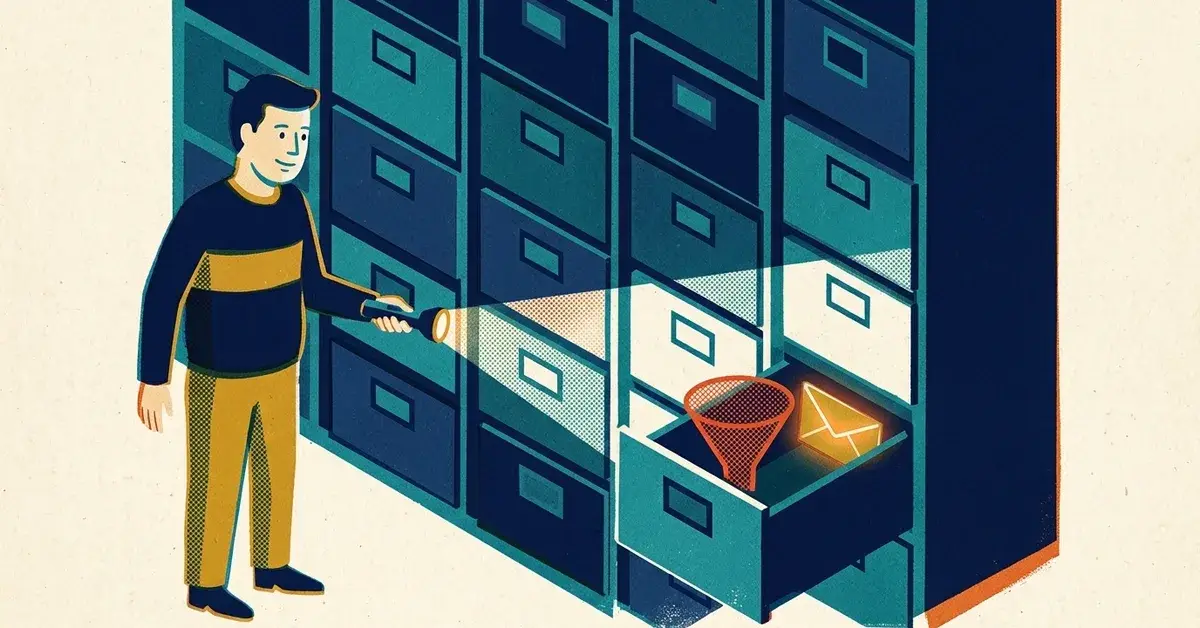
The email was sent, but it's not in your inbox. In Gmail that usually means a filter, a tab, or Spam got to it first. Where to look, how to search everywhere at once, and how an admin can trace it.
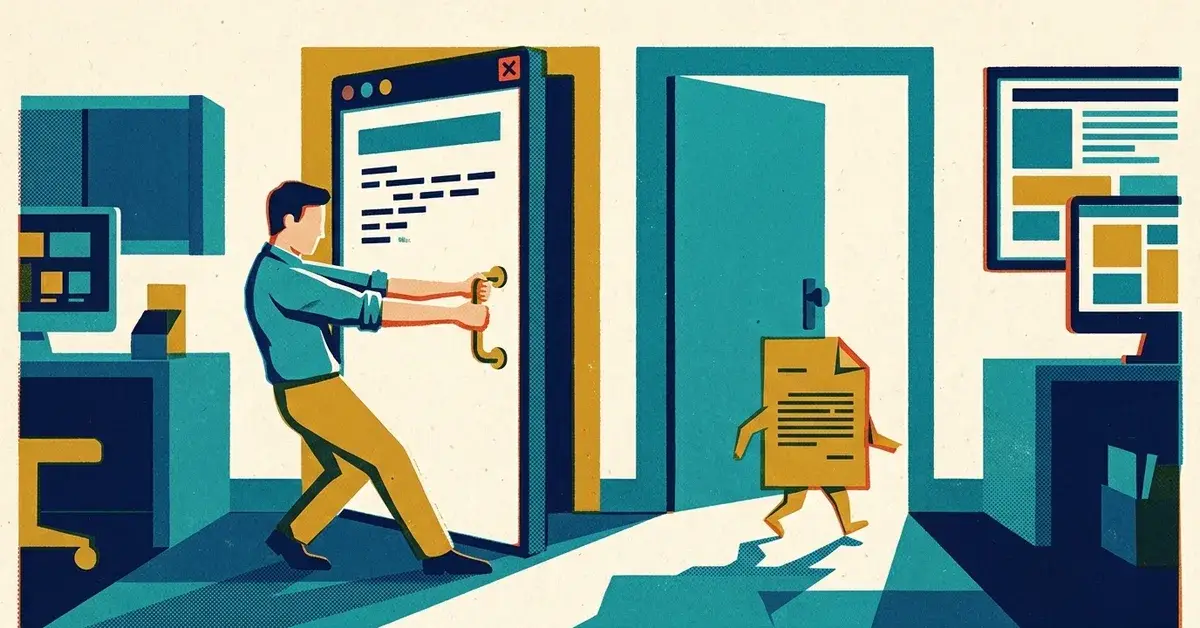
You double-click and nothing happens, or the program flashes and closes, or your PDF opens in the browser instead of Acrobat. How to fix stuck programs, repair Office, and set which app opens what.

Random restarts, blue (now black) crash screens, programs closing on their own. How to find out what's actually causing it, the fixes that work most often, and when the hardware is to blame.

The pointer won't move, jumps around, or the mouse just stopped. Quick fixes for wireless, Bluetooth and wired mice and laptop touchpads, plus how to get around Windows with no mouse at all.
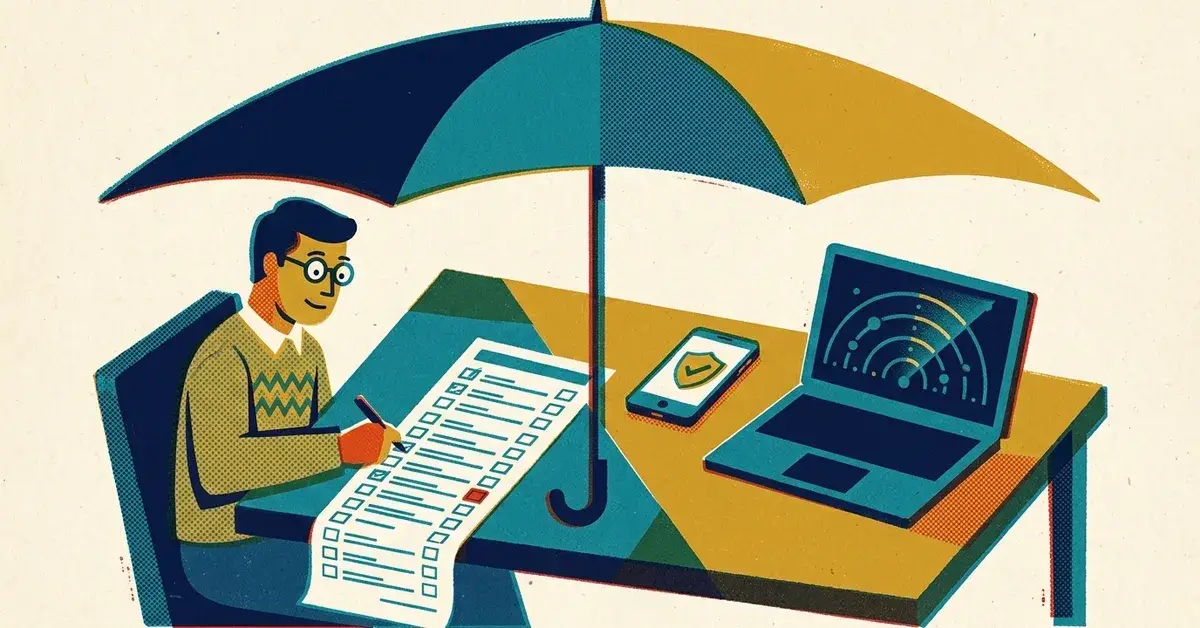
Cyber insurance applications ask yes-or-no questions about MFA, EDR and backups. What each question really means, how to check your honest answer, and what to fix before you sign.
Managed Nerds Weekly
New IT, security and SEO posts every Monday. That's it.
You're subscribed to Managed Nerds Weekly. See you on Monday.