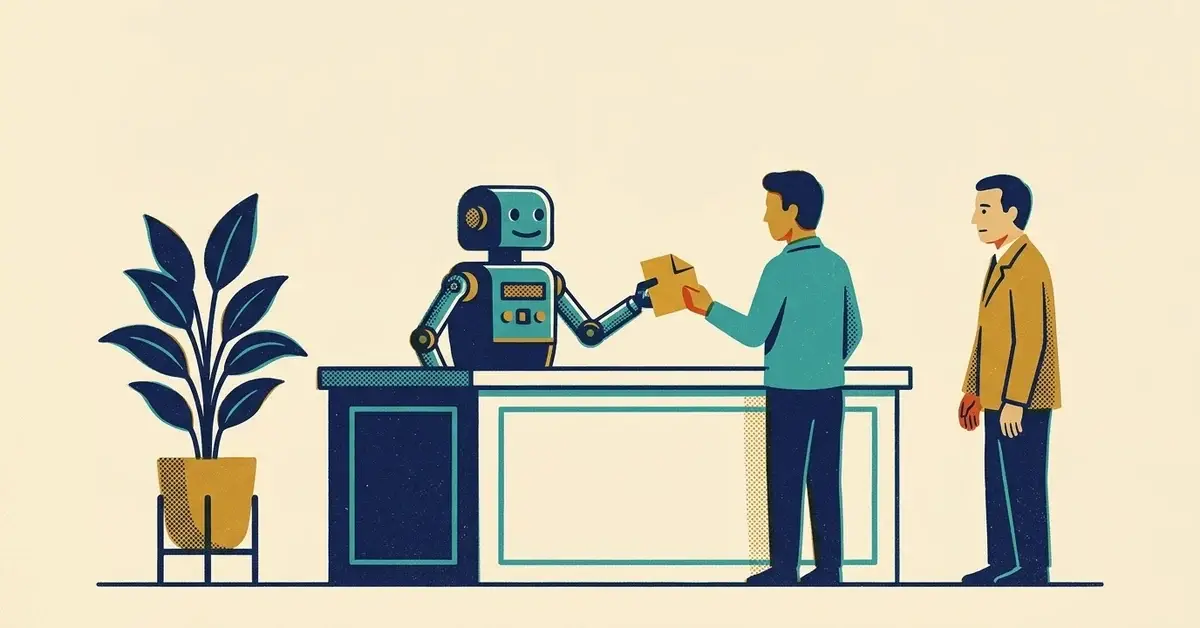
Your inbox is full. The website chat pings at dinner. And the AI tool you already pay for keeps offering to handle replies for you.
It's tempting. But a wrong answer to a client doesn't read as "the AI made a mistake." It reads as you making a mistake.
So, can you let it talk to your clients? Sometimes. It depends on the message. Here's a quick test for deciding, and how to set it up so the risky ones always reach a person.
The quick answer
- Let AI draft, and have a person send, for anything that goes to a client by email or text.
- Let a chatbot answer on its own only for facts you've written down: hours, service area, how to book, what to bring.
- Never let it handle complaints, apologies, prices, promises or anything urgent.
- Give every chatbot a clear way to reach a human, and say it's AI.
- Read a sample of what it said every week.
Why AI gets client messages wrong
Microsoft is unusually blunt about this in its own documentation. Its FAQ for generative answers in Copilot Studio says responses "aren't always perfect and can contain mistakes." It also says the system doesn't check accuracy, so if your source material is wrong, the bot can repeat it. And answers aren't fixed: ask the same question twice and you can get two different replies.
Google's Gemini in Gmail help page says the same in fewer words: "Gemini features may suggest inaccurate or inappropriate information."
In practice, that looks like:
- Missing the urgency. "My basement is flooding" gets the same cheerful reply as "Do you work Saturdays?"
- Filling gaps with guesses. Asked something it doesn't know, it may answer anyway, confidently.
- Mixing up details. Two clients with similar names, two jobs at similar addresses.
- Getting the tone wrong. Breezy when the client is upset, stiff when they're joking.
None of this means AI is useless here. It means it needs a lane.
The 3-question trust test
Before AI sends anything to a client on its own, ask:
- If this message is wrong, does it cost me money or trust? A wrong price, date or promise does. A link to your booking page doesn't.
- Does it need judgment, empathy or an apology? Complaints, bad news, anything emotional.
- Would I say it this way myself? If you'd rewrite it, the client will notice.
If the answer to the first two is "yes," or the third is "no," a person sends it. AI can still write the first draft.
Sort your messages into three lanes
Take ten minutes and sort the messages you get most often. Make a sheet with three columns: AI answers alone, AI drafts and a person sends, Person only.
Here's a starting point for a service business.
AI answers alone
- Hours, location and service area
- How to book, reschedule or cancel (with a link)
- What to expect at a first appointment
- Where to find a form or document you've already published
AI drafts, a person sends
- Follow-ups after a quote or visit
- Replies to questions about a specific job
- Summaries of long email threads before you reply
- Appointment reminders with job details
Person only
- Complaints and refunds
- Prices, quotes and discounts
- Anything urgent: leaks, outages, safety
- Anything legal, medical or financial
- A client who has already asked for a human
Weirdly, the lane that saves the most time is the middle one. A good draft you check in thirty seconds beats a perfect reply you write from scratch.
Setting up a chatbot that knows its limits
If you add AI chat to your website, the setup matters more than the tool.
Give it a short, current source
Point it at a page or document of approved answers, not your whole website or inbox. Microsoft's Copilot Studio guidance recommends grounding answers in data you trust and setting clear boundaries, especially in sensitive areas like finance, health and legal. If your FAQ is out of date, fix that first. Our post on turning customer questions into an FAQ library shows how.
Always offer a way to reach a person
In Copilot Studio, a built-in Escalate topic responds when someone asks for a human. Microsoft's handoff guide says you can edit it to show your phone number, email or a support link if you don't have a live chat team. Whatever tool you use, check what happens when a visitor types "talk to a person." Then test it yourself.
Say it's AI
Don't let clients think they're chatting with a staff member. Microsoft's generative orchestration FAQ says its agents include a default message for this: "Just so you are aware, I sometimes use AI to answer your questions." Keep a line like that in whatever you use.
Keep it away from actions
Answering a question is one thing. Booking, canceling, refunding or changing an account is another. If your tool can take actions, require a confirmation step or a person's approval first. Our post on letting AI do things versus just draft them covers where to draw that line.
Using AI for email drafts
For email, you probably already have the tool. In Gmail, Gemini's Help me write drafts or rewrites an email from a prompt, and Google's help page shows how to switch the tone to Formalize, Friendly or Shorten. Eligible Microsoft 365 plans include Copilot Chat, which you can use in Outlook with the email you have open, according to Microsoft's Copilot overview.
Either way, a prompt like this keeps the draft safe:
"Draft a short, friendly reply to this client. Answer only what they asked. Don't mention prices, dates or promises. Leave [brackets] where I need to fill in details."
Then read it, fill in the brackets, and send it yourself.
If it already said the wrong thing
- Reply personally, quickly. Correct the mistake plainly, without blaming the software.
- Fix the source. If the bot repeated something out of date, update the page it reads from.
- Move that question to "person only" until you trust the fix.
Our guide to AI giving a client the wrong link, number or details has the full cleanup.
A one-line rule for your team
AI drafts. A person sends anything with a price, a promise or a problem in it.
Put it where everyone who answers clients can see it.
When to get help
- You want AI chat on your website and need the handoff and approved answers set up properly.
- Staff are pasting client details into free personal AI accounts to write replies.
- You're not sure which AI features your Microsoft 365 or Google Workspace plan already includes.
If any of that sounds familiar, we can help.




No comments yet