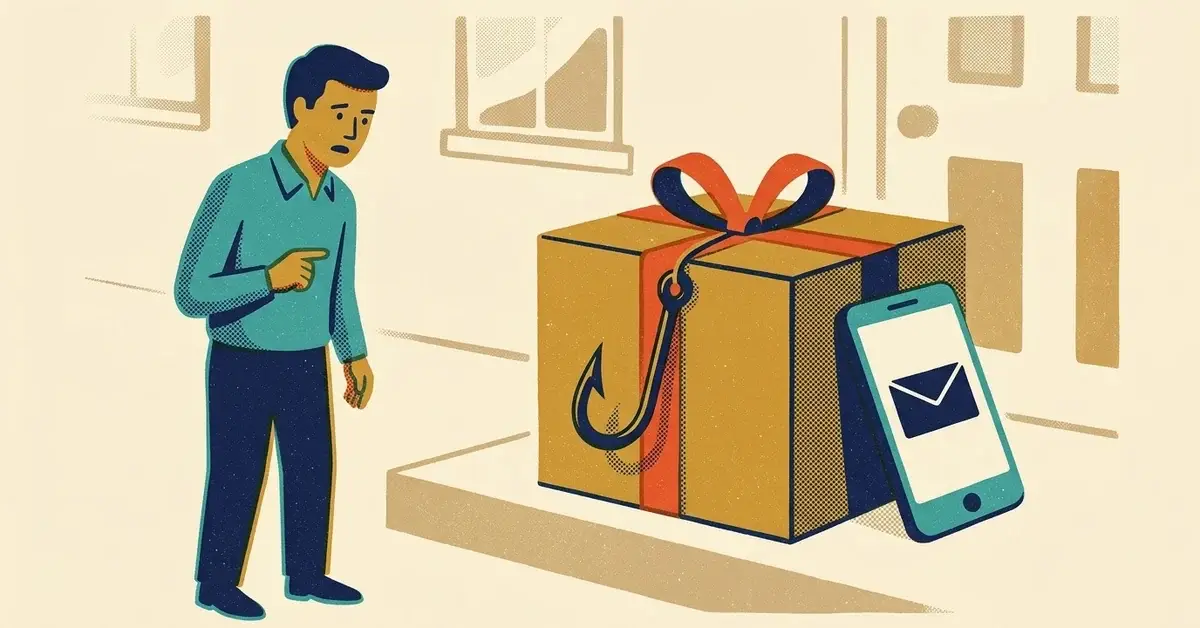
An email says your Amazon order couldn't ship. A text says a refund failed. A deal on a site you've never heard of is half the price of everywhere else. And it's all landing during the week you're actually shopping.
That's the point. Prime Day, Black Friday and the holiday rush are when real order emails flood your inbox, so a fake one blends right in.
Here's how to tell them apart, at home and on the work computer.
The quick answer
- Don't click links in order, refund or "account problem" messages. Open the Amazon app, or type amazon.com yourself, and check your orders there. If there's a real problem, it'll show up.
- Never pay with gift cards or move money because a message told you to. No real store asks for that.
- Turn on two-step verification for your Amazon account and your email.
- Shop unfamiliar sites with a credit card, not a debit card or a bank transfer.
- Report the fake with the Report phishing button in Gmail or the Report button in Outlook, then delete it.
The scams that show up around big sales
Fake order and delivery problems. "Your payment failed." "Your package is on hold." "Confirm your address." The link goes to a page that looks like Amazon or a shipping company and asks you to sign in or pay a small fee.
Fake refunds and "unauthorized purchase" alerts. These are built to make you panic. You didn't buy a TV, so you click to cancel it, and now you're on the scammer's page.
Lookalike shopping sites. The domain is close to a real one, or it's a brand-new store with prices that make no sense. You pay, and nothing arrives.
Gift card requests. Someone posing as support, a vendor or even your boss asks you to buy gift cards and send the codes. Google's scam guide lists gift card scams among the common ones, and its golden rule fits every case here: "No reputable person or agency will ever demand payment or your personal information on the spot."
How to spot a fake
Google's Gmail phishing guide has a checklist that works for any shopping email:
- The sender's name and address don't match. "Amazon Shipping" sending from a random address is a red flag.
- The link doesn't go where it says. On a computer, hover over it and read the real address before you click.
- It wants you to sign in after clicking. Don't. Go to the site yourself.
- It's urgent or too good to be true. A deal that ends in ten minutes, or a price far below everyone else's.
A padlock or "https" in the address bar only means the connection is encrypted. Scam sites have them too. Read the domain name itself.
If you already clicked
Don't panic. Move fast.
- If you entered your Amazon password, change it right away from the app or by typing amazon.com, and change it anywhere else you used the same one.
- Turn on two-step verification if it wasn't on.
- If you entered card details, call the number on the back of your card and ask for a new one.
- If it was a work device or work email, tell whoever handles your IT now. They may need to check the account for new forwarding rules and sign-ins.
- Watch your statements for the next few weeks for charges you don't recognize.
A couple of settings that help
Chrome's Safe Browsing. Chrome warns you about known phishing and malware sites. Google's Safe Browsing help explains the levels: Standard is on by default, and Enhanced protection also warns about new dangerous sites and tells you if a password you use has been exposed in a data breach. To change it: More (three dots) > Settings > Privacy and security > Security.
A password manager. It's built to fill your password only on the site it was saved for. If it doesn't offer to fill on a "login page," that's your clue the page isn't what it claims.
Preventing it in a business
Sale season hits offices too. Staff shop on their lunch break, order supplies for the office, and get delivery texts on work phones.
- One rule for everyone: no clicking links in delivery or order messages. Check orders in the app or the account itself.
- Keep personal shopping off work email where you can. Fewer order emails means fewer fakes that look normal.
- Office purchasing goes through one account with two-step verification on, and purchases over a set amount need a second person to okay them.
- Never buy gift cards because of an email or text, even one that looks like it's from the owner. Call them.
When to call someone
- Someone entered a work password on a page they're now unsure about.
- You see sign-ins, forwarding rules or purchases nobody recognizes.
- A fake order email came from a real, known contact's address, which means that account may be compromised.
If that sounds like your week, talk to us.
Related reading
- Got a Scam Text? 5 Steps to Take (and What to Do If You Clicked)
- This Website Looks Normal, Until It Steals Your Data
- AI-Built Phishing: Why Scam Emails Look Real Now (and What Still Gives Them Away)
Originally published July 2025. Updated October 2026.

No comments yet