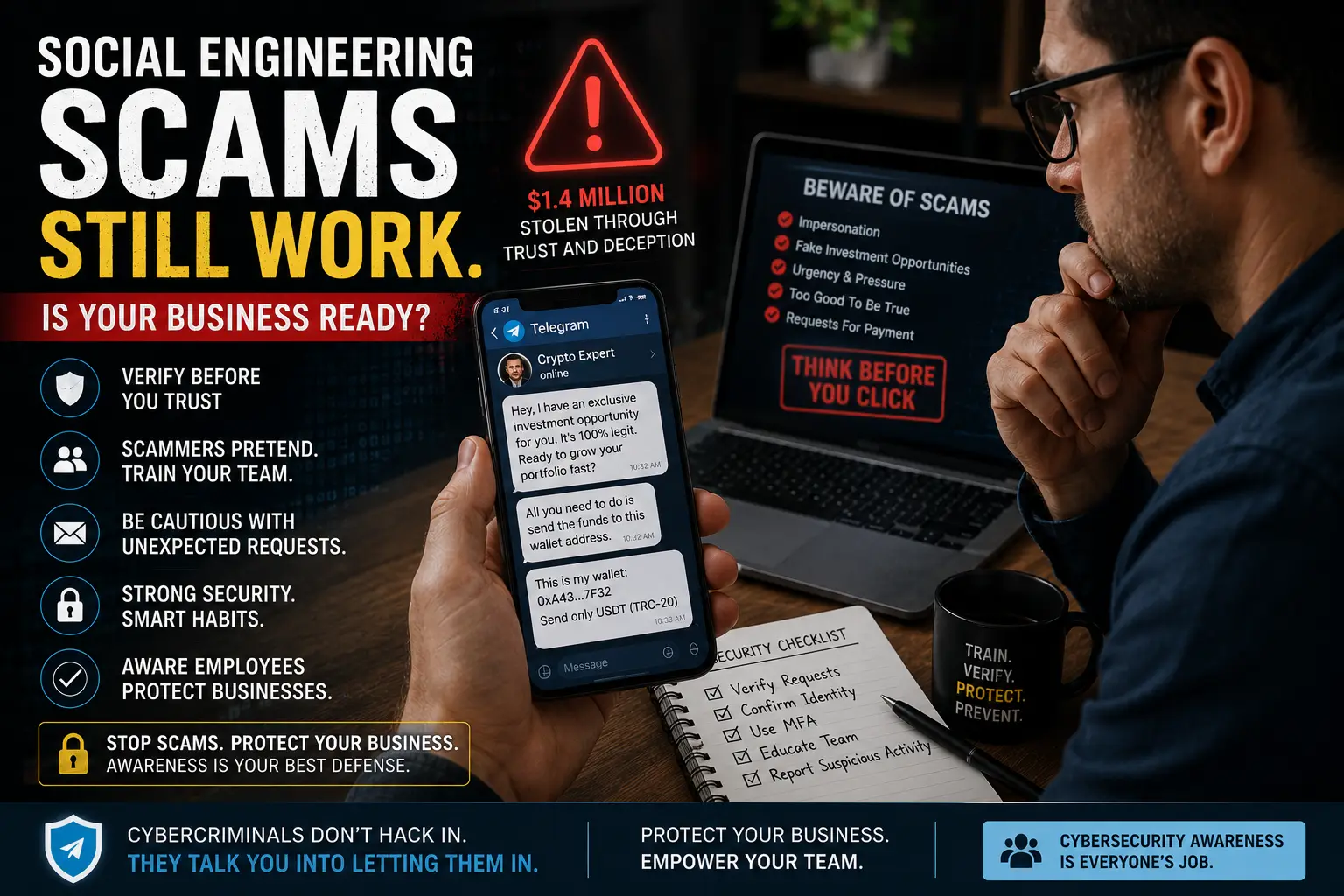
Somebody messages you. They look like a person you already trust: a well-known name, a familiar profile photo, the right tone. They ask you to send money.
That's the whole trick behind a $1.4 million scam that ended in a prison sentence this summer. No malware. No hacked servers. Just a fake identity and people who believed it.
You don't trade crypto? Doesn't matter. The same move hits small businesses every week, dressed up as your bank, your vendor or your boss.
The quick answer
If a message asks for money, passwords or a change to payment details:
- Stop. Don't reply, click or pay from inside that message.
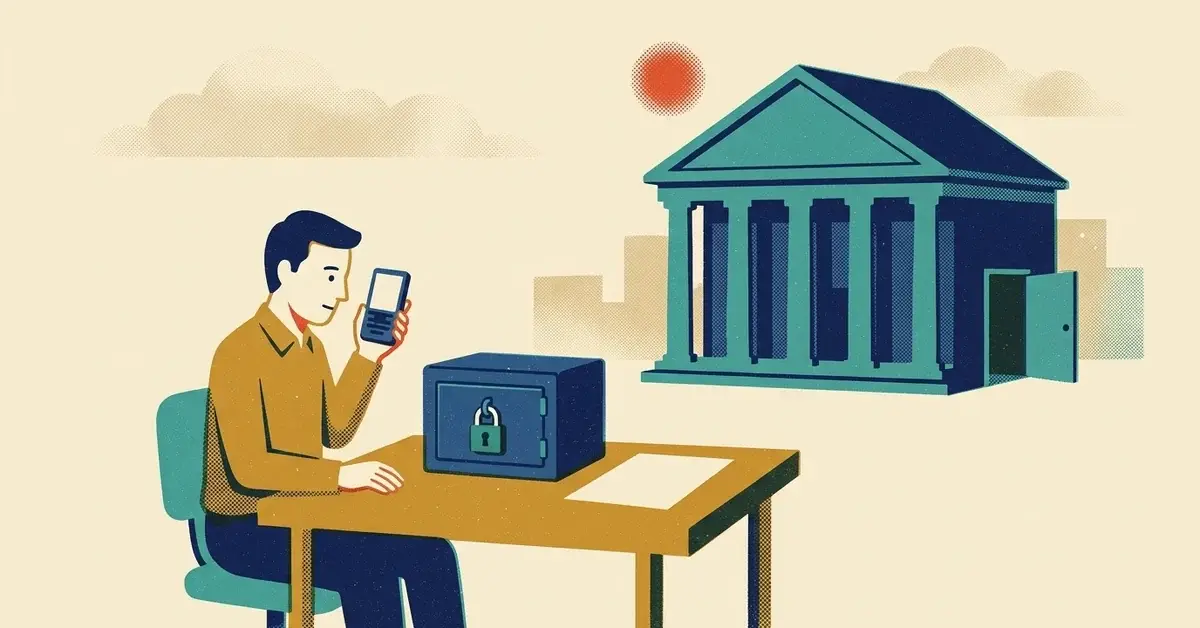
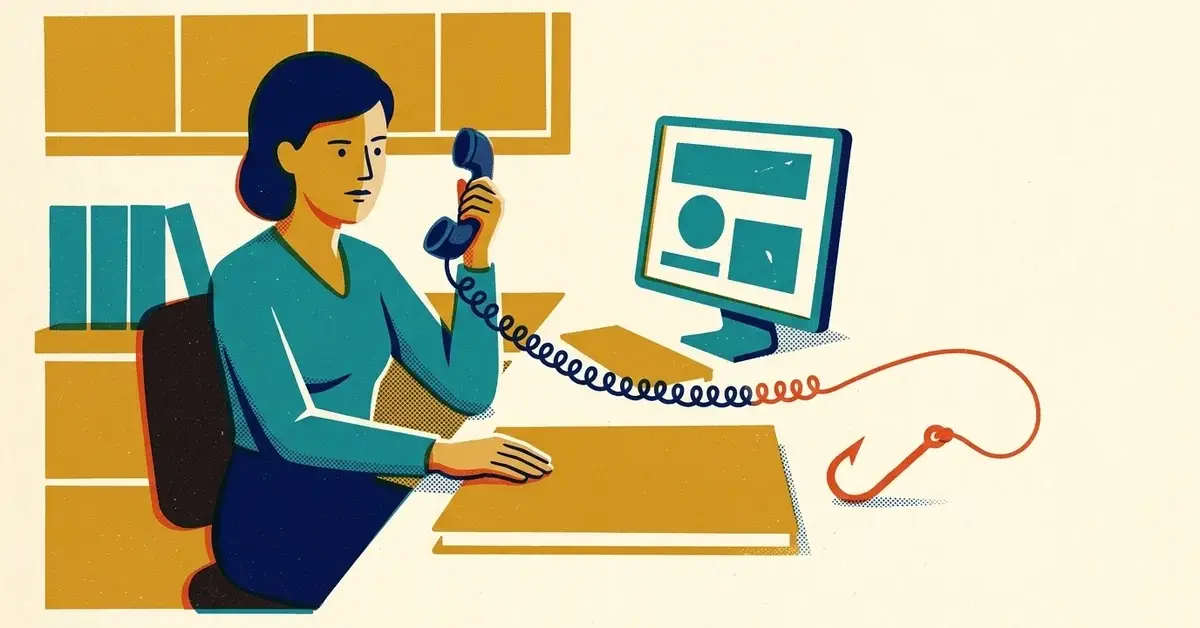
- Verify on a channel you already had. Call the number on file, in your contacts or on an old invoice. Not the number in the message.
- Use a second person for money. Any new payee or changed bank details needs a second set of eyes before it goes out.
- If money already left, call your bank right now, then report it (more on that below).
That covers most of it. The rest of this post explains why it works and how to make it a habit in your business.
What happened in the $1.4 million Telegram case
Here's the deal, based on the U.S. Attorney's Office for the District of Maryland and news coverage of the sentencing in June 2026:
- A New York man set up Telegram accounts copying two well-known crypto influencers.
- Followers were drawn into a public channel, then offered paid access to a private "VIP" group where they believed they could message the real influencer.
- In that group he promised returns on crypto "staking" (locking up coins to earn interest). He never staked anything. He kept the money.
- Prosecutors put the losses at roughly $1.4 million. He pleaded guilty to wire fraud and was sentenced to 15 months in federal prison, according to the coverage.
Notice what's missing: any hacking at all. The scammer borrowed someone else's reputation and let the victims' trust do the work.
Why this matters if you don't touch crypto
Swap "crypto influencer" for any name your team already trusts:
- Your bank or credit card company
- A vendor you pay every month
- A customer asking for an "updated" invoice
- Your accountant or payroll provider
- Your IT provider
- You, the owner, texting from a "new number"
The goal is always the same: get someone to do something they normally wouldn't, because the request seems to come from someone they know. Security people call this social engineering. It's lying, with a business plan.
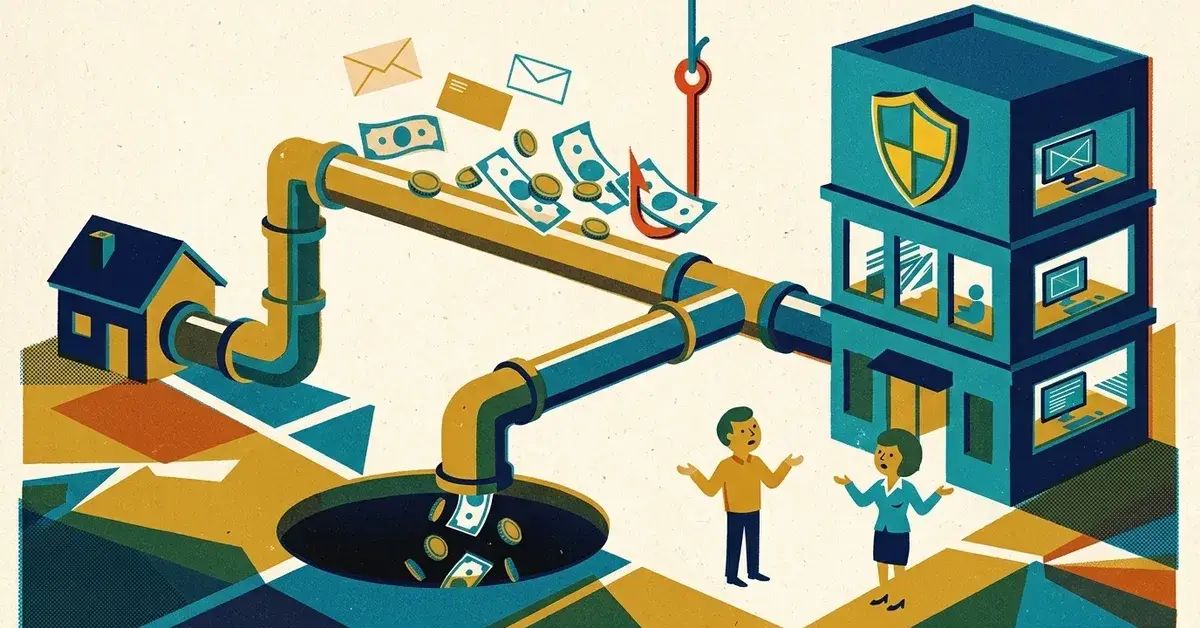
The version that costs small businesses the most is business email compromise: a fake or hijacked email asks you to pay an invoice to new bank details, or to buy gift cards for "the boss." We covered how that one works in Business Email Compromise: The $3 Billion Scam Hiding in Your Inbox.
How to tell it might be an impersonation
None of these prove it's a scam on their own. Two or more together, and you should slow way down.
- A new channel. Someone you normally email suddenly texts, or a vendor you call is now on WhatsApp or Telegram.
- A change to how money moves. New bank account, new payment app, gift cards, crypto, "use this link instead."
- Urgency or secrecy. "Needs to go out today." "Don't mention this to anyone yet."
- A request that skips your normal process. No purchase order, no invoice number, no one cc'd.
- A profile that's slightly off. A handle with an extra letter, a brand-new account, a display name that matches but a username that doesn't.
- It reads perfectly. Good grammar isn't a safety signal anymore. AI tools write a convincing message in seconds, and can fake voices and video too. See How to Spot AI-Fake Emails, Videos and Invoices Before You Pay.
What to do when a request feels off
1. Don't answer inside the message
Replying "is this really you?" to the scammer gets you a confident "yes." Close the message.
2. Call back on a number you already had
Use the contact saved before this message arrived: your phone's contacts, the vendor's last invoice, the bank's number on the back of your card. If the "boss" texted from a new number, call the boss's old one.
3. Ask something only the real person would know
Not their birthday (that's on social media). Something from your actual work together: "Which job is this for?" or "What did we change on the last order?"
4. Get a second approval for anything involving money
A two-person rule for new payees and changed bank details stops most of these cold. It's free and it takes a minute.
Why these scams keep working
Because they aim at people, not computers, and people are built to be helpful. Your bookkeeper is supposed to pay vendors quickly. Your front desk is supposed to help customers. Scammers just borrow that.
They also do their homework. Your website, LinkedIn and social posts tell them who your vendors are, who approves payments and when you're on vacation. Some impersonations run for weeks of friendly messages before anyone asks for a cent. The Telegram case worked the same way: build the relationship first, ask for money later.
If money or passwords already went out
Move fast. Minutes matter here.
- Call your bank and ask them to stop or recall the payment. Ask specifically about a recall for a wire or ACH transfer.
- Change the password for any account you typed in, and turn on multi-factor authentication (a code or app prompt on top of the password) if it isn't already.
- Report it to the FBI's Internet Crime Complaint Center at ic3.gov. Your bank may ask for the report.
- Warn the real person or company that someone is impersonating them. They'll want to know, and so will their other customers.
- Keep everything: the messages, the account handles, the payment confirmation. Don't delete the thread.
Then breathe. These scams are built by professionals to fool normal, careful people. Getting caught by one says nothing about you. What you do in the next hour matters more.
Preventing it in your business
You don't need a big security budget for most of this.
- Write down one rule: "We never change payment details or send money based on an email, text or chat alone. We call back on a known number." Put it where the people who pay bills will see it.
- Use a two-person check for new payees, changed bank details and anything over an amount you pick.
- Turn on multi-factor authentication for email, banking and payroll. If you're on Microsoft 365, start with the security settings small businesses never turn on.
- Agree on a code word for urgent money requests between the owner and whoever pays the bills.
- Practice. Short, regular phishing and impersonation training works better than one long annual session. Make it easy and blame-free to report "this looked weird."
When to get help
Call someone if money already left your account, if a scammer got into a real email account (watch for strange forwarding rules or sent messages you didn't write), or if customers say they're getting payment requests "from you." Those mean the problem is bigger than one message. If you want a hand setting up the checks above, we can help.
Related reading
- Someone Called Claiming to Be Our Bank, IT or the Boss: What Do We Do?
- Business Email Compromise: The $3 Billion Scam Hiding in Your Inbox
- How to Spot AI-Fake Emails, Videos and Invoices Before You Pay
Originally published July 2026.

No comments yet