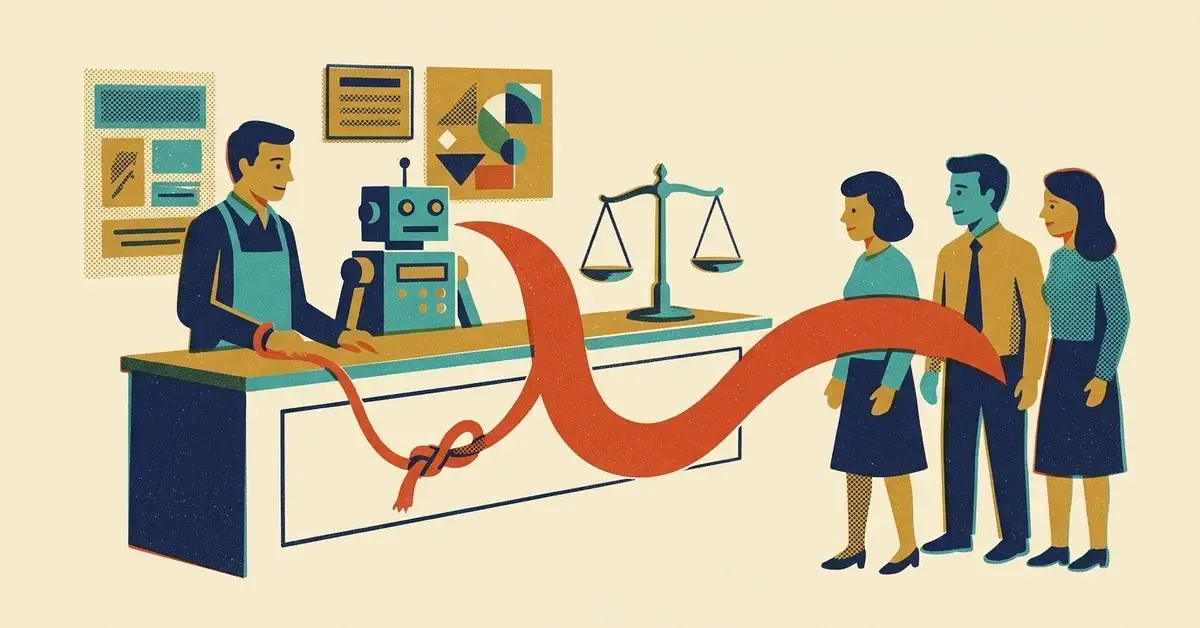
Your website chatbot told a customer they'd get a refund you don't offer. Or an AI-drafted email went to the wrong client with someone else's invoice attached. Now you're wondering whose problem that is: yours, or the AI's?
Short version: yours. This post explains why, where the real legal risk sits for a small business, and what to put in place this week. It isn't legal advice. If you're already facing a complaint or a claim, talk to a lawyer licensed in your state.
The quick answer
- Assume you own everything your AI says or sends. Tribunals and regulators have treated AI as your tool, not a separate party.
- Keep a person in the loop for anything that promises money, refunds, coverage, deadlines or contract terms.
- Keep client data out of tools you haven't approved. Your contracts and NDAs probably promise you'll protect it.
- Write down which AI tools you use and what they're allowed to do. That list is your best evidence that you took reasonable care.
- Call a lawyer before you reply to a demand letter, a regulator or a customer threatening to sue.
"The chatbot said it, not us" doesn't work
Here's the deal. In 2024 a British Columbia tribunal decided a case where Air Canada's website chatbot told a grieving customer he could claim a bereavement discount after booking his flights. The airline's actual policy said otherwise. Air Canada argued the chatbot was responsible for its own words. The tribunal called that a "remarkable submission" and held the airline responsible for the information on its website, whether it came from a static page or a chatbot. It also found the airline hadn't taken reasonable care to make sure the chatbot was accurate (Moffatt v. Air Canada, 2024 BCCRT 149).
That's a Canadian small-claims tribunal, not a U.S. court, and the amount involved was small. But the reasoning is the one to plan around: a customer can't be expected to know which part of your website to trust.
U.S. regulators have said much the same. When the FTC announced a set of AI cases in September 2024, a sweep it called Operation AI Comply, its then-chair said "there is no AI exemption from the laws on the books". A misleading claim is misleading whether a person or a model wrote it.
And courts don't accept "the AI made it up" either. In 2023 a federal judge in New York fined two lawyers and their firm $5,000 for filing a brief that cited six cases ChatGPT had invented, in Mata v. Avianca (the court's sanctions order). The tool wrote it. The people who signed it paid.
Where the legal risk actually sits
Most small businesses won't get sued over "AI." They'll get in trouble for ordinary things that AI made faster and easier to do by accident.
Promises you didn't mean to make
A chatbot or an AI-drafted email offers a refund, a discount, a deadline or a guarantee you don't provide. To the customer, that's your business talking. Our post on the liability trap in AI emails and proposals covers this one in detail.
Client data in the wrong place
Someone pastes a client's records into a free AI tool, or an AI assistant attaches the wrong file. Your client contracts, your NDAs and your state's data breach law may all have something to say about that. More on how this happens: how one copy-paste can leak a client's info.
Contracts with the wrong terms
AI that "tidies up" a contract can change a payment term, a liability cap or a cancellation clause without flagging it. You're bound by what you sign, not by what you meant. See the clauses to check after AI edits a contract.
Marketing claims nobody checked
AI-written ads and web copy that promise results, quote stats that don't exist or invent customer reviews. The FTC's rule on consumer reviews and testimonials, in force since October 2024, covers fake reviews, and the FTC's own summary of it names AI-generated ones.
Answers that sound like professional advice
A chatbot that answers "what are your hours?" is low risk. A chatbot that tells someone what their insurance covers, what they can deduct or what their contract means is a different thing. If your business gives advice for a living, keep the bot to logistics and send advice questions to a qualified person.
How exposed are you? A five-question check
Answer yes, no or not sure:
- Does any AI tool talk to customers without a person reading it first (a website chatbot, automatic email replies)?
- Can any AI tool send email, post publicly or change records on its own?
- Has anyone pasted client, employee or financial details into a tool the business didn't approve?
- Does AI touch quotes, contracts, policies or anything with a price or a date in it?
- Could you list every AI tool your team uses today?
Every "yes" on questions 1-4 is a place that needs a guardrail. A "no" on question 5 is the first thing to fix. "Not sure" counts as the risky answer.
What to put in place this week
1. List your AI tools and what they can do
A spreadsheet with four columns is enough: Tool, Who uses it, What it can see, What it can do on its own (read, draft, send, change). If a tool is connected to email, files or your CRM, our connected-apps audit walks through checking its access.
2. Draw a line between drafting and deciding
AI drafts. A person approves anything that involves money, dates, refunds, coverage, contract terms or legal wording. Put that in one sentence your whole team can repeat.
3. Fence in your chatbot
- Give it your real, current policies as its source, and tell it not to answer outside them.
- Hand refunds, complaints, billing disputes and anything it can't answer from your policies to a person. When to hand off from AI to a human has the details.
- Make sure the chatbot and your written policy pages say the same thing. In the Air Canada case, the two disagreed.
- Tell customers they're talking to an AI. It's honest, and it sets expectations.
4. Keep client data in approved tools
Use business accounts the company controls, not staff's personal free accounts, and decide what can and can't go into them. Which AI tools employees can use without getting in trouble has a starting list.
5. Read two documents: your client contracts and your insurance
- Client contracts and NDAs. Do they limit sharing client information with outside services? An AI tool is an outside service.
- Insurance. Ask your broker whether your cyber and professional liability (errors and omissions) policies would cover a mistake made with an AI tool, and get the answer in writing.
6. Keep the paperwork
Save the tool list, the approval rule and the date you set them up. If something goes wrong, being able to show you took reasonable care matters. That's exactly the question the Air Canada tribunal asked.
If something has already gone wrong
- Stop it repeating. Turn off the chatbot, pause the automation or remove the tool's access.
- Save the evidence. Screenshots, chat logs, the emails that went out, timestamps. Don't delete anything.
- If client data went to the wrong person, ask them to delete it and confirm they have. Then ask a lawyer whether your state's breach notification rules apply.
- Talk to your lawyer and your insurer before you put anything in writing about fault or compensation. Check your policy for how quickly you have to report a claim.
- Then fix it with the customer, plainly and quickly. What to do when AI sends a client the wrong information covers the message itself.
When to call someone
Call a lawyer if you have a demand letter, a regulator's inquiry, a customer threatening to sue or client data in the wrong hands.
Call an IT partner if you don't know which AI tools can reach your email, files or customer records, or you want guardrails and access limits set up properly. If that's us, get in touch.




No comments yet